|
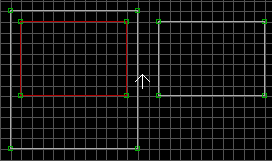
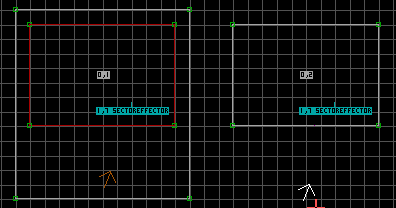
Place a SE in both the island sector and the separate sector. Change the
SE hitags on both to a unique Water Sector tag, again keep track of which
numbers you've used. Set the SE lotags to 7, which as you might
already know, is for transport. That's basically what water sectors are;
you transport to another sector that is underwater. The differences being
there isn't the transport sound and flash, and you transport by either
falling through the floor or by swimming past the ceiling. The two SE-7
must be in the same location on both sectors or you'll have nasty
deaths. Set the sector lotag of the "above water" sector to 1.
Set the sector lotag of the "below water" sector to 2. Change
over to 3d mode while putting the white arrow in the "above water" sector and
change the floor tile to the water texture. Do the same for the "below
water" sector ceiling.
|

 , All Rights reserved.